
What metafields actually do (and why they're easy to neglect)
You add a "Material" filter to your collection page. It works beautifully — for about three months. Then a customer mentions they filtered for "Cotton" and only saw four products, even though you sell dozens of cotton items.
You check. The four products say Cotton. Others say 100% Cotton, or cotton in lowercase, or the field is simply empty. Nothing is broken, exactly. Your data just stopped agreeing with itself.
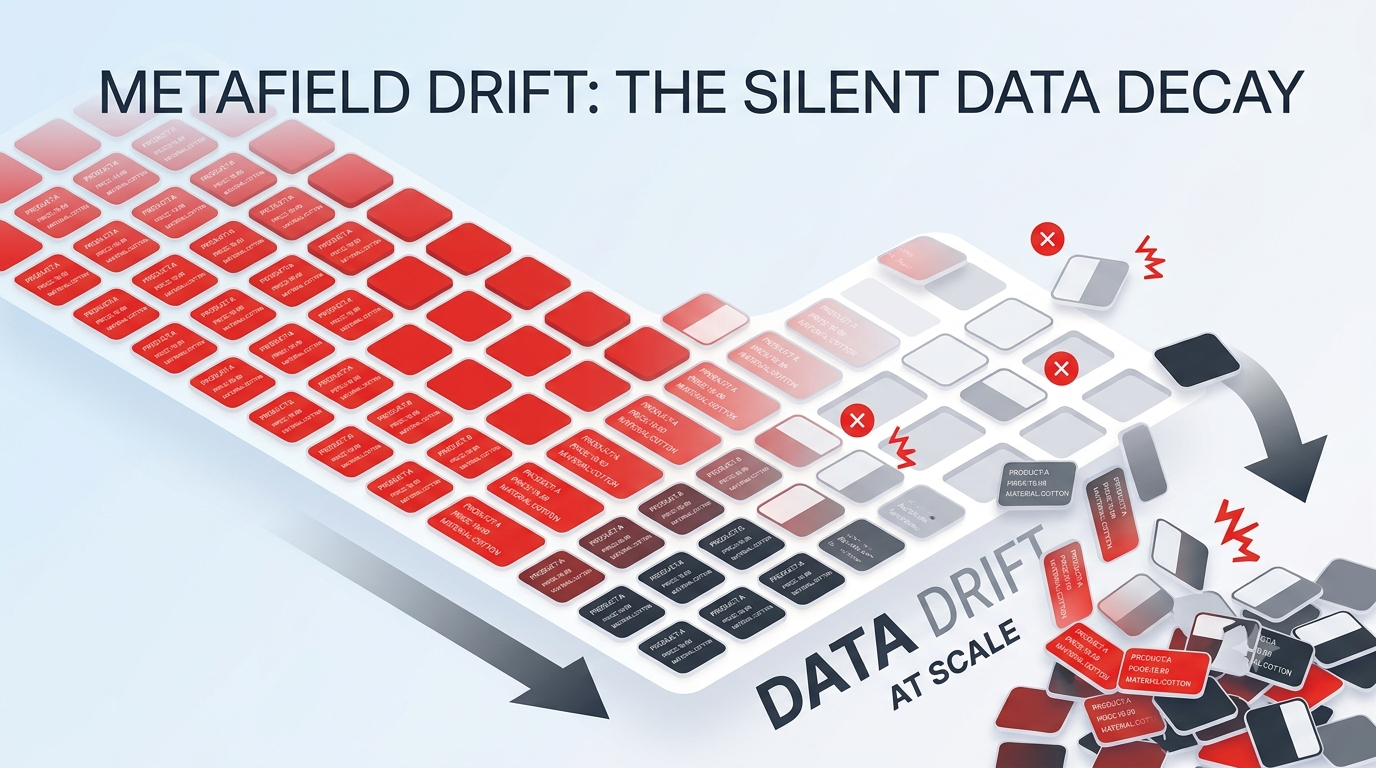
This is metafield drift, and if you run a growing Shopify catalog, it's almost certainly happening to you right now — quietly, one product at a time.
Metafields are the custom data fields Shopify gives you beyond the standard title, price, and description. They store the details that make your storefront useful: fabric and materials, ingredients, technical specs, care instructions, sizing, warranty length, sustainability badges, "pairs well with" recommendations, and dozens of other attributes unique to what you sell.
They're powerful because they feed the parts of your store that actually drive decisions:
- Storefront filters, so shoppers can narrow by material, size, or feature
- Product spec tables and custom sections built into your theme
- Structured data that search engines read for rich results
- Merchandising logic, like showing "vegan" or "new" badges automatically
Here's the catch. Unlike a price or a title, metafields are mostly invisible in day-to-day work. A missing price is obvious the moment you look at a product. A missing or inconsistent metafield hides in a tab most people never open — until a filter breaks or a spec table renders half empty on your best-selling product.
Why metafield drift happens
Drift isn't caused by carelessness. It's the natural result of many people editing many products over a long period of time, with nothing enforcing consistency.
A few forces push it along:
- Manual, one-by-one entry. Someone types Cotton today and cotton next month. Both feel correct. The storefront treats them as two different values.
- Multiple editors. A merchandiser, a VA, an agency, and a seasonal hire all touch products. Each brings slightly different habits.
- Catalog growth. Fifty products are easy to keep tidy. Five thousand are not. New products launch faster than anyone can standardize them.
- Theme and app changes. You install a new theme or filtering app that expects a specific metafield, and suddenly thousands of older products are missing a value they never needed before.
- No validation at the point of entry. Shopify won't stop you from leaving a field blank or typing a value in the wrong format.
Individually, none of these is a crisis. Together, over months, they turn a clean dataset into a patchwork.
Why manual workflows can't keep up
The instinct is to fix drift the way it started: inside Shopify Admin, one product at a time. For a handful of products, that's fine. At scale, it falls apart for a few reasons.
- There's no bird's-eye view. Shopify Admin shows you one product's metafields at a time. You can't easily scan a whole column to spot the three products that say 100% Cotton instead of Cotton.
- Auditing is nearly impossible by hand. Finding every inconsistent or empty value across thousands of products isn't a task — it's a project.
- Fixing is slow and error-prone. Even once you find the problems, clicking into each product to correct a single field invites new typos.
- It never actually finishes. By the time you've worked through the catalog, new drift has already appeared behind you.
Manual editing is a workflow designed for small, stable catalogs. Drift is a problem of scale and time — the two things manual editing handles worst.
The hidden operational cost
Because metafield drift is invisible, its cost stays off the books. But it's real, and it compounds.
- Lost sales you never see. When a filter hides products that should appear, shoppers assume you don't carry what they want. There's no error message — just a quiet drop in discoverability.
- Weaker SEO. Inconsistent or missing structured data means fewer rich results and thinner, less useful product pages.
- Wasted team hours. Someone eventually spends an afternoon — or a week — hunting down and re-typing values by hand.
- Eroded trust in your own data. Once teams stop trusting the catalog, they start keeping side spreadsheets, which fragments the truth even further.
The most expensive part isn't the cleanup. It's the slow, unmeasured leak between cleanups.
What a better workflow looks like
Getting ahead of drift doesn't require more discipline from every editor. It requires a workflow that makes consistency easy to see and easy to restore. Three principles matter most.
- See your data as a table, not a stack of forms. Most drift becomes obvious the moment you can view an entire metafield as a column. Ten variations of "Cotton" that were invisible product-by-product jump out instantly when they sit in the same list.
- Treat a spreadsheet as your working source of truth. Exporting your metafields, standardizing them in a familiar grid, and pushing the corrections back is far faster than editing in place — and it gives you a record of what changed.
- Make partial fixes safe. You should be able to update only the fields that are wrong, without risking the ones that are already correct.
Practical ways to reduce drift
You can start improving things today, whatever tools you use:
- Define a naming convention. Decide that it's Cotton, not cotton or 100% Cotton, and write it down where your team can see it.
- Audit one metafield at a time. Export a single field across your catalog and scan for blanks and variants. Small, regular audits beat one heroic cleanup.
- Standardize in a spreadsheet. Sort and filter to group the odd values together, fix them in bulk, and re-import.
- Validate before you write. Preview changes and catch format problems before they reach your live store.
- Update in bulk, not one by one. The faster a fix is, the more likely it actually gets done.
Where bulk import, export, and spreadsheet workflows fit
Every practical step above points to the same underlying capability: the ability to move metafield data between Shopify and a spreadsheet, edit it at scale, and write it back safely.
Export gives you the audit. A spreadsheet-style grid gives you the fix. Bulk import — from a CSV, an XLSX file, or a live Google Sheet your team already maintains — closes the loop. Job history tells you exactly which rows succeeded and which need another pass.
This is the loop that keeps a large catalog consistent without burning days in Shopify Admin.
How StoreSync Helps
StoreSync is built for exactly this loop. It's a bulk metafield manager for Shopify that lets you edit, import, and export product data at scale — so drift becomes something you can spot and fix in minutes instead of days.
Here's how its current features map to the workflow above:
Spreadsheet-Style Bulk Editor
Open your products, collections, or pages on their own tab and edit fields and metafields inline in a fast grid. Search, filter, and choose which columns you see — so ten variations of the same value are easy to spot and correct in one place. (Pro plan.)
CSV, XLSX & Google Sheets Import
Upload a CSV or XLSX file, or paste a public Google Sheets URL, and map your columns to the right fields and metafields. The fastest way to standardize a metafield across thousands of products at once. (Google Sheets import on Pro plan.)
Metafield Column Mapping
StoreSync maps your spreadsheet columns to the correct Shopify metafields during import, reducing the manual mapping work that usually makes bulk updates painful.
Preview & Validation Before Writing
Rows are validated before anything is written to your store, so formatting problems get caught before they reach your live catalog.
Safe Partial Updates
Only the cells you actually fill in are written — empty cells are skipped and never overwrite existing data. Fix one drifting field without touching everything else.
Export & History for Clean Audits
Export your resources to run an audit or keep a backup, and track every import and export in History with record-level progress. When some rows fail, export just the failures, fix them, and re-run.
Together, these turn drift management from a manual hunt into a repeatable routine: export, standardize, validate, import, and confirm.
Keep Your Catalog Consistent at Scale
Metafield drift is one of the quietest ways a growing Shopify store loses revenue, SEO value, and team trust. It doesn't announce itself — it just slowly makes your filters less useful, your spec tables less complete, and your catalog harder to manage.
The good news is that it's fixable, and the same workflow that fixes it also prevents it from building up again: see your data as a table, standardize in bulk, validate before writing, and close the loop with job history.
StoreSync is built to make that loop as fast and safe as possible.
Fix Metafield Drift Today
Start with the free plan — 50 products, 20 collections, and 20 pages — no credit card required. Upgrade when you're ready to tackle the full catalog.